-
 Language:
English
Language:
English




65% aluminum mechanical keyboard kit: 68 or 70 keys hot swap mechanical switch PCB, grey / purple case optional – iGK68X kit15
$ 92.58
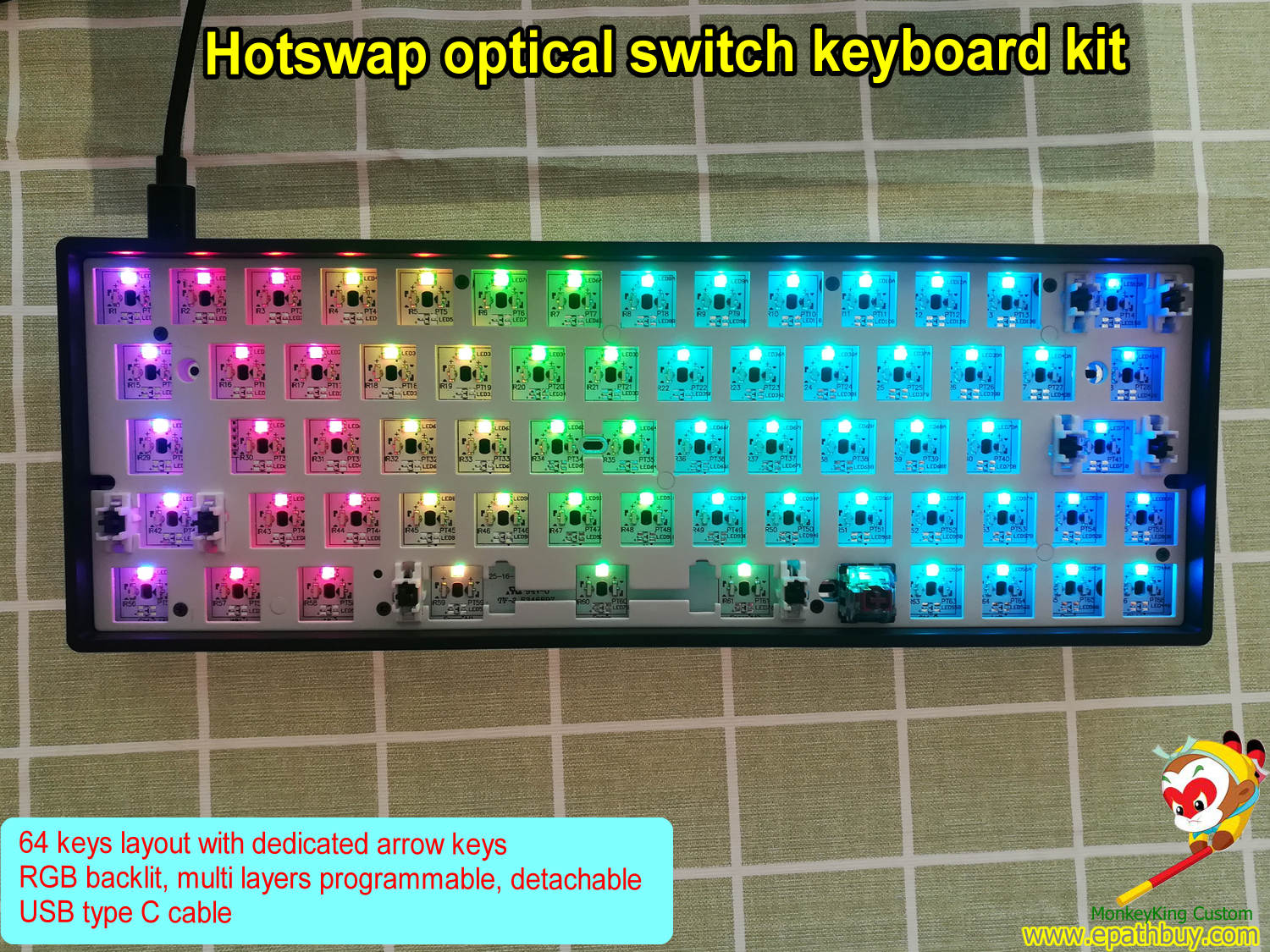
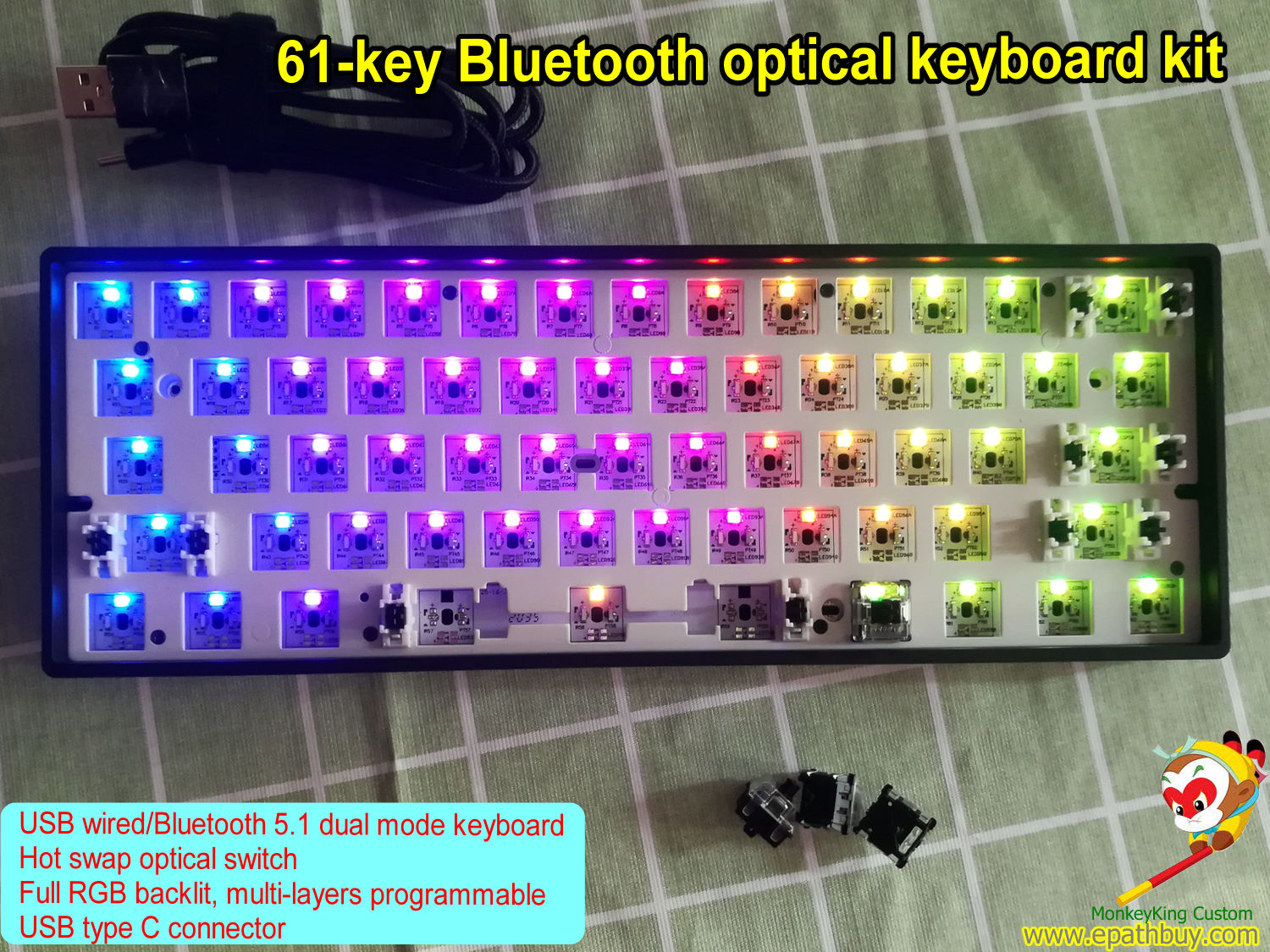
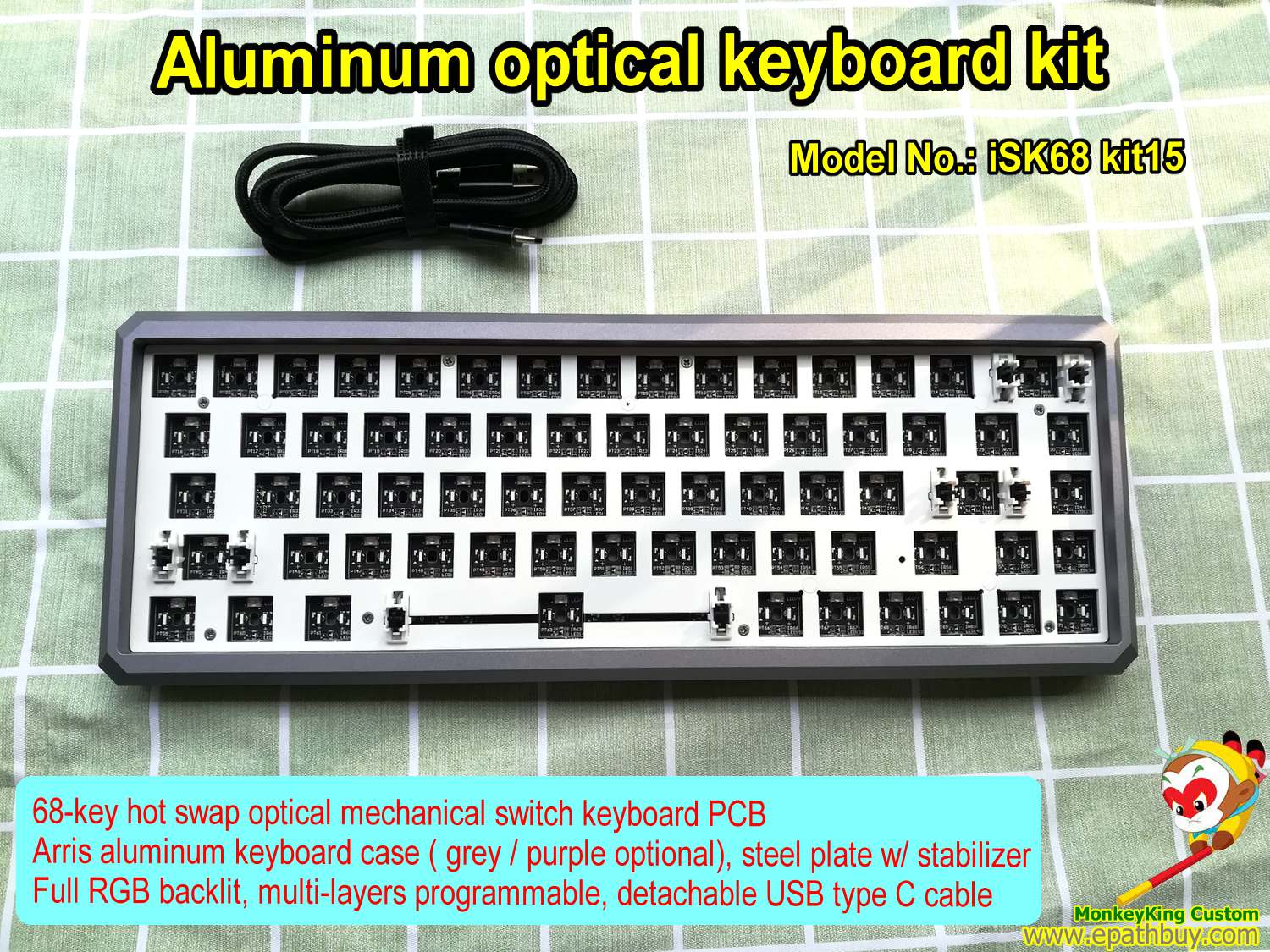
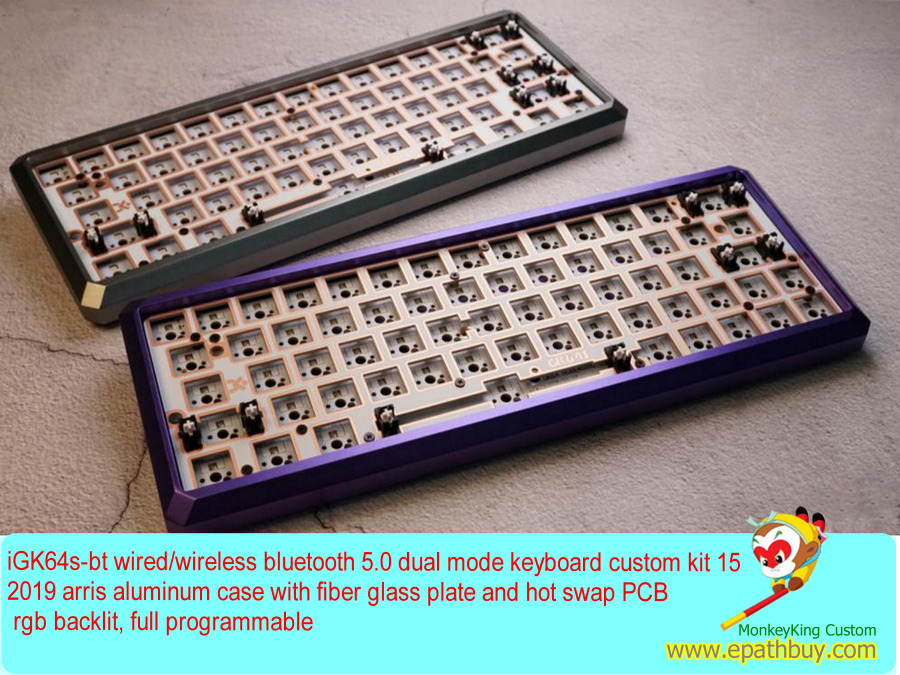
Description 65% aluminum mechanical keyboard kit – iGK68X kit15 include: 68 ( or 70 ) keys hot swap mechanical switch PCB Plate w/ stabilizer ( steel made / fiber glass made optional), detachable spacebar modules Arris CNC aluminum alloy keyboard case ( grey / purple optional) Detachable USB type C cable All screws 65% aluminum mechanical keyboard kit GK68X kit15, gray case, hot swap PCB, RGB backlit,multi-layers programmable, fiber glass plate, w/ detachable spacebar modules, USB type C Hot swap aluminum keyboard kit iGK68X kit15, mechanical keyboard barebone kit, purple case, fiber glass plate w/ stabilzier (Gateron Taiji satellite axis), detachable spacebar modules, RGB backlit,multi-layers programmable, best custom keyboard kit 65% aluminum keyboard kit, custom high quality purple case, steel plate w/stabilizer, detachable spacebar modules, hot swappable keyboard PCB,full RGB backlit, best gaming mechanical keyboard kit RGB aluminum keyboard kit,custom compact keyboard kit, hot swap 68 or 70 keys RGB backlit keyboard PCB, w/ detachable spacebar modules 65% aluminum mechanical keyboard kit – iGK68X kit Features: Great feature 1 – Hot swap mechanical keyboard built in hot swap mechanical switch keyboard PCB ( all MX & MX-compatible switches can fit, both of 3-pin and 5-pin switches can fit) For DIY user, even as a fresher, hot swap mechanical switches into this barebone keyboard kit, build your own mechanical keyboard so easy! Great feature 2 – programmable mechanical keyboard 5 layers (including 4 layers full programmable) mechanical keyboard User-defined modes (5 status): 1. Standard mode: Standard mode, all keys can’t be user-defined. But user can customize your own personality keyboard by the following 4 modes. Onboard mode 1/2/3 is strongly recommended. (Note: in the custom modes, except FN key, all other keys can be redefined. Some of the FN “x” combined functions also can be modified, except the backlight, Bluetooth and system control. FN key can’t be moved, but user can define your own FN1/FN2/FN3 at any other key on the keyboard in the custom modes.) 2. FN Q (Driver mode): FN Q is the driver mode layer, Q key’s LED lights in white, some special functions ( For example: You may assign a macro of more than 32 bytes to a key in the driver mode while it is unavailable in those onboard mode layer) and backlights can be set in this mode. Pay attention: You must keep the driver software running and the keyboard connecting with it. Press FN Q again, back to the standard mode. 3. FN W (Onboard mode 1, Layer 1 / Fn 1): FN W, onboard mode layer 1, W key’s LED lights in white, the keyboard works in the custom keys’ functions and user can modify the keys’ functions and macro settings by the driver software. These settings can be downloaded and saved to the keyboard (Note: after this, these user-defined settings can be memorized by the keyboard, next time, user can use them directly, no need to run and connect the keyboard to the driver software.) The reference setting: multifunctional reuse settings of the space bar, click for the regular space function, Space other key’s combination to call this key’s pre-setting function on the onboard mode layer 3. Press FN W again, back to the standard mode. 4. FN E (Onboard mode 2, Layer 2/ Fn 2): FN E, onboard mode layer 2, E key’s LED lights in white. The reference setting: keyboard of MAC OS, the “control, option, command” key will be in the original position. Of course, user can modify the settings by the driver software, download and save these settings to the keyboard. (Note: after this, these MAC’ function settings can be memorized by the keyboard, next time, user can use them directly, no need to run and connect the keyboard to the driver software.) 5. FN R (Onboard mode 3, Layer 3/ Fn 3): FN R: onboard mode layer 3, R key’s LED lights in white. The reference settings: Some special function keys, or combination keys, or macro keys, these setting at this mode can be called by the key FN3 in Layer1 & Layer2. Of course, same as Layer1 & Layer2, all these settings can be modified by the user and saved to the keyboard. Next time, user can use them directly, no need to run and connect the keyboard to the driver software. Press FN R again, back to the standard mode. Other features: 68 ((or 70) keys 65% mechanical keyboard 16.8M colors full RGB backlit Smart visual driver software USB type-C connector With 8M On-board Flash memory Built-in MIC Specifics: 100% anti ghosting with USB full key rollover Switch mount type: Plate Windows lock function Polling rate of 1,000 Hz Power saving mode: When the computer is on standby, this mode launched. Operation: Windows XP/7/8/10/MAC OS Driver software compatible: available for Windows, and not for Mac OS (but the stored settings configured on Windows can be used on MAC OS) Support BIOS setting on main board, as well as USB online update. Related iGK68x keyboard’s backlight control: Fn ] /} = To play the predefined backlit effects(spectral cycle, all on, color breathing, rain drops, cross running) on mechanical keyboard, there are some related light options in driver. Press this combined keys to change backlit effects alternately. FN [/{ = To play the responding light effects (single light, running light, ripple, music lights), press this combined keys to change responding light effects alternately. Fn \/| = To pause/play backlit bright effect. Fn ← = To reduce playing speed of the backlit effect . Fn → = To increase playing speed of the backlit effect. Fn ↓ = To reduce brightness of the backlit effect. Fn ↑ = To increase brightness of the backlit effect. Fn Backspace = To turn off/on the back light. Purchase tips: If you purchase mechanical switches from our Epathbuy website store, we can assemble these switches to this 65% aluminum mechanical keyboard kit – iGK68X barebone kit for you freely. Buy Cherry MX RGB key switch Gateron RGB mechanical switch Kailh box RGB switch